



Put it in an app, and it disappears into history.
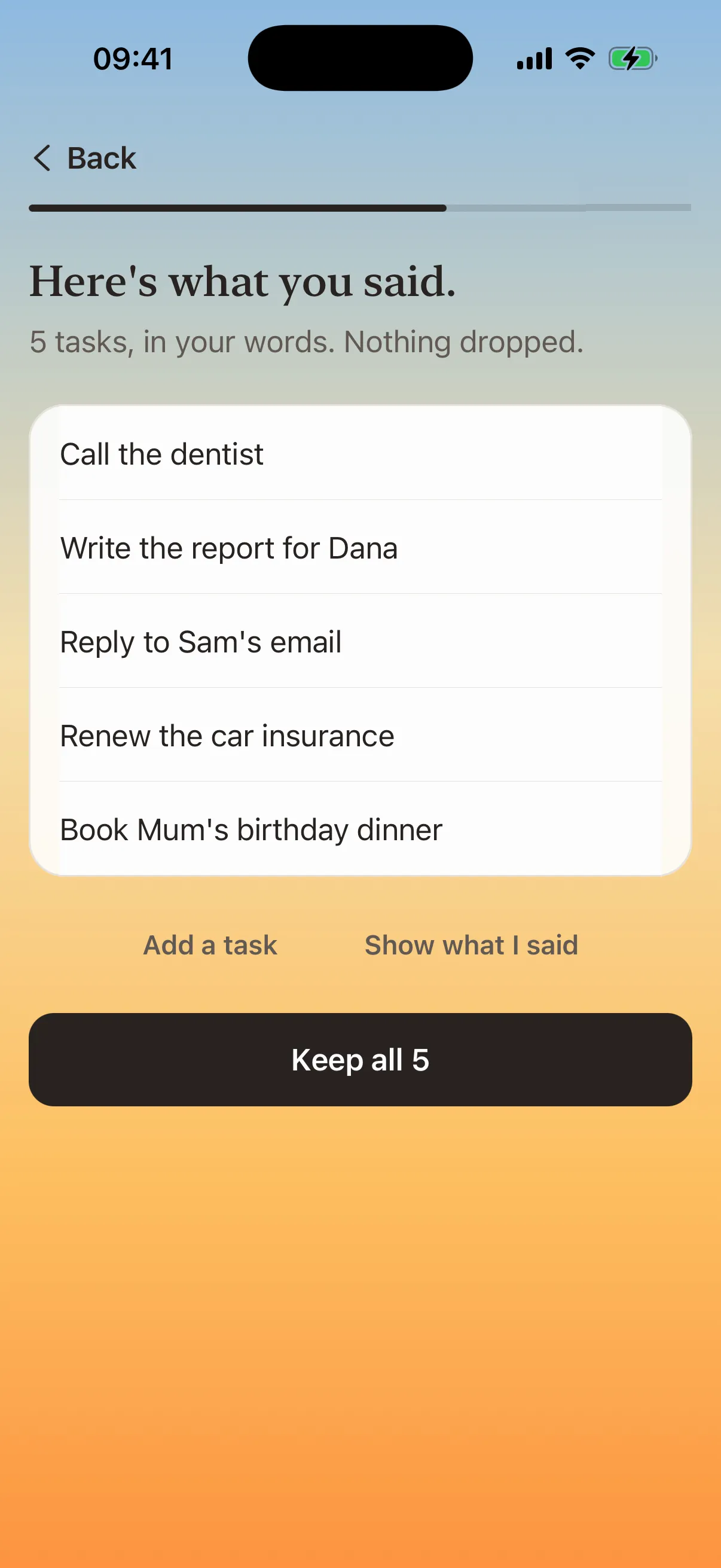
Get it all out of your head.
Type it or say it. Everything goes into one list, in your words.
Say it all at once. You see every line before it’s saved. Nothing dropped.
ADHD to-do list · Coming to iPhone, then Android
For when you can plan the day but can’t start it.
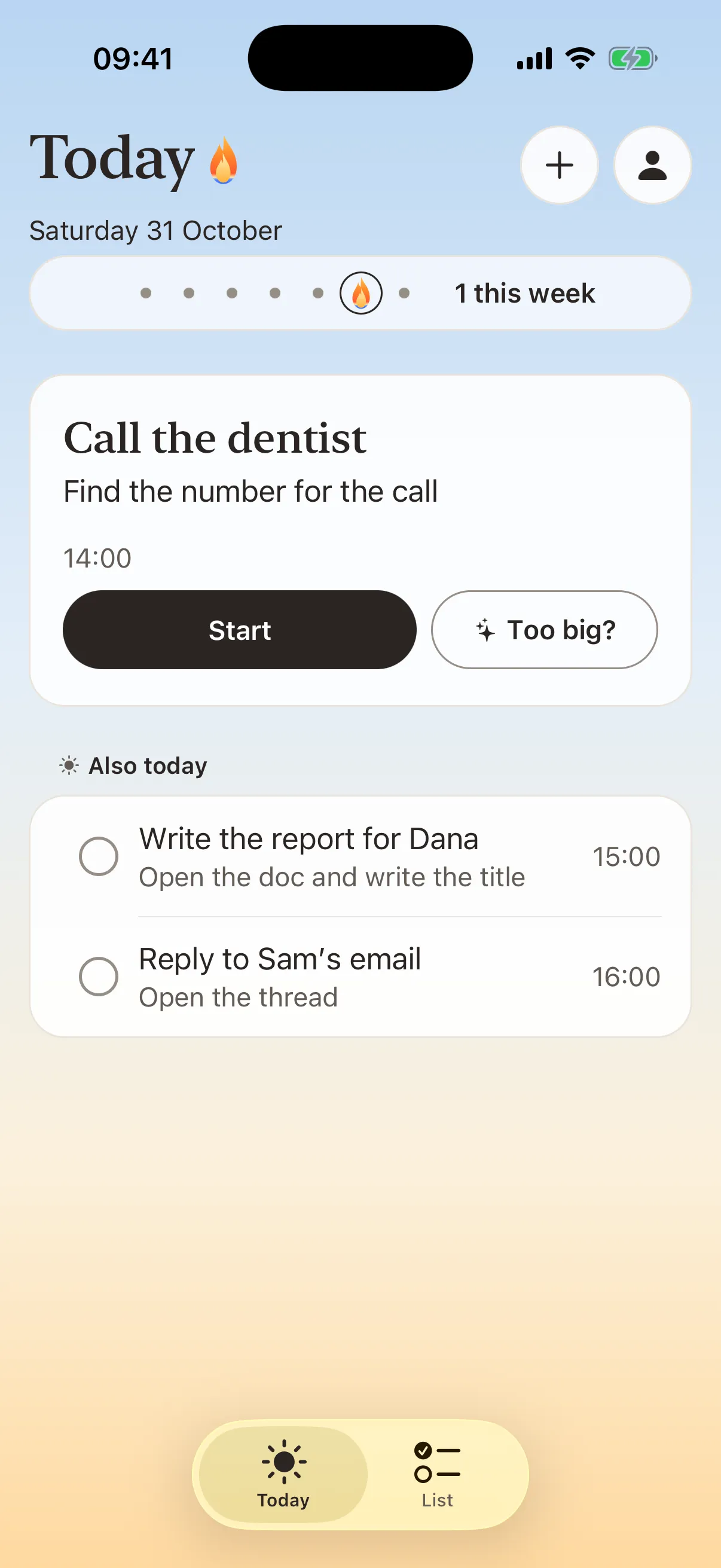
Each thing you pick for Today gets a tiny first step and a time. When that time comes, one tap starts it.
The list is nine pages long, so you do nothing. Or you do the easy thing. Your planner says “Write report, 10:00”, the reminder goes off, and twenty minutes later you’re on Instagram. Then one bad day breaks the streak, and opening the app feels like punishment.
A planner leaves the hardest decision for the hardest moment: how to begin. Here, you choose a tiny first step ahead of time. When the time comes, there’s nothing left to decide.
Planning the first small step is one of the most consistently supported findings in the behavioral science research of getting started and completing a task. That goes for all adults generally and particularly for people with ADHD.
Type it or say it. Everything goes into one list, in your words.
Say it all at once. You see every line before it’s saved. Nothing dropped.
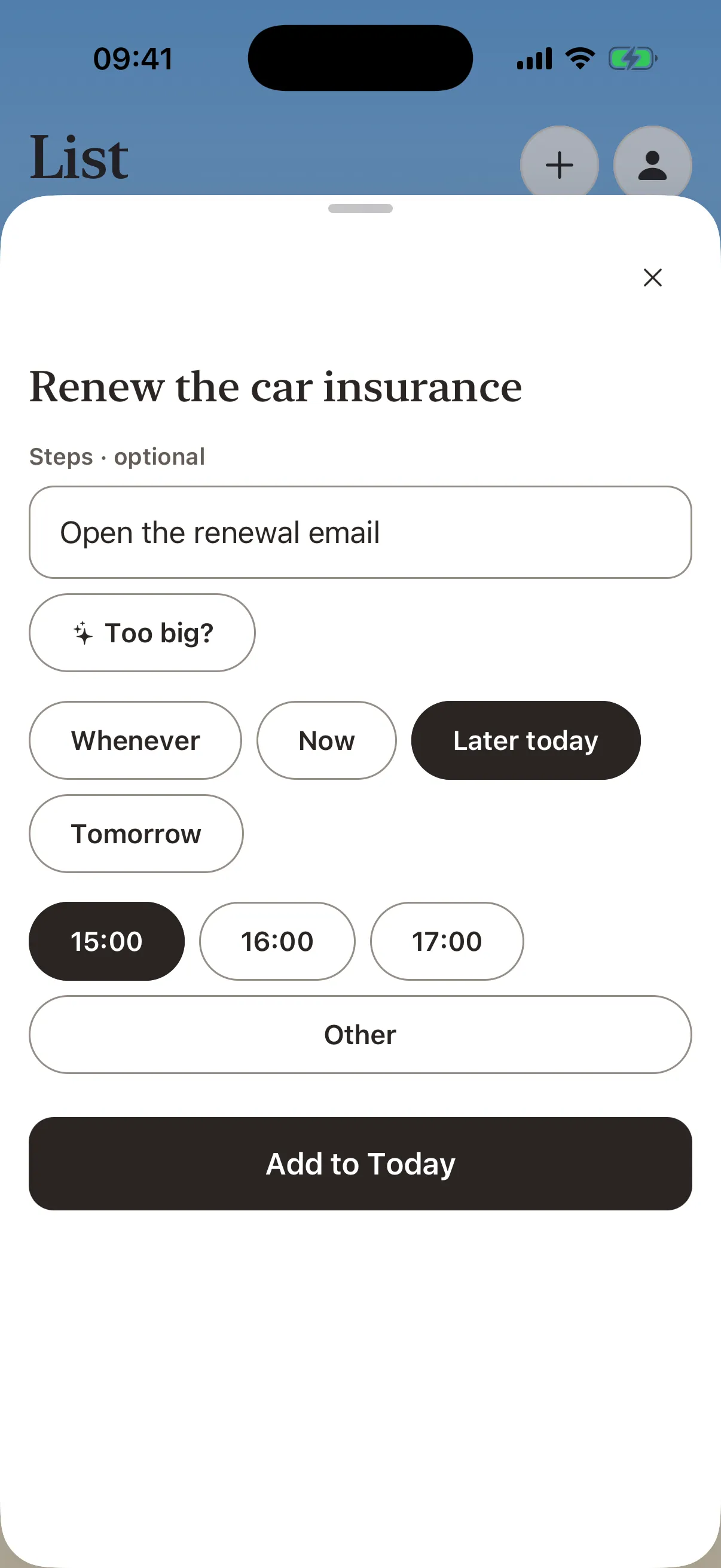
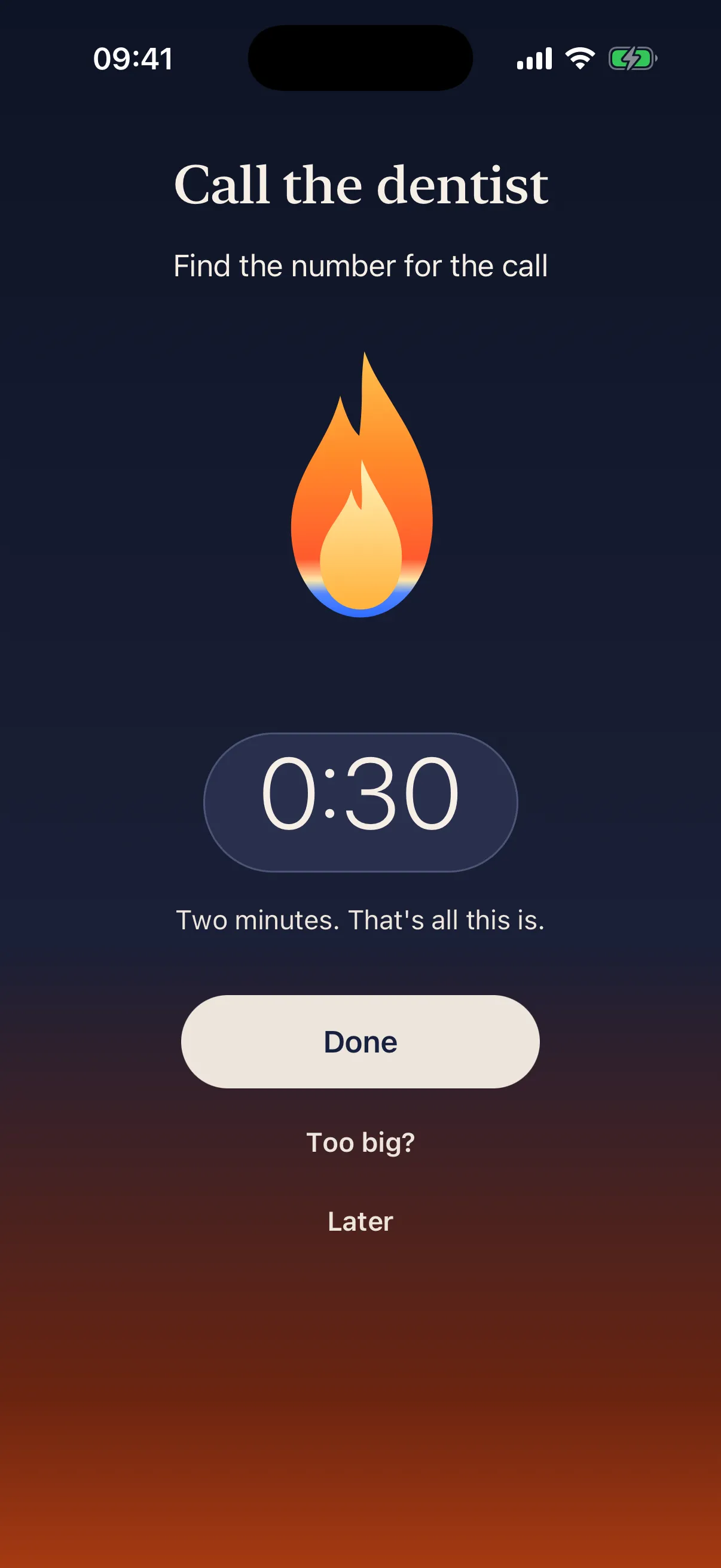
Just the ones you’ll actually do. Give each a first step you can do in two minutes, and a time.
At the time you picked, your first step arrives word for word. One tap starts it.
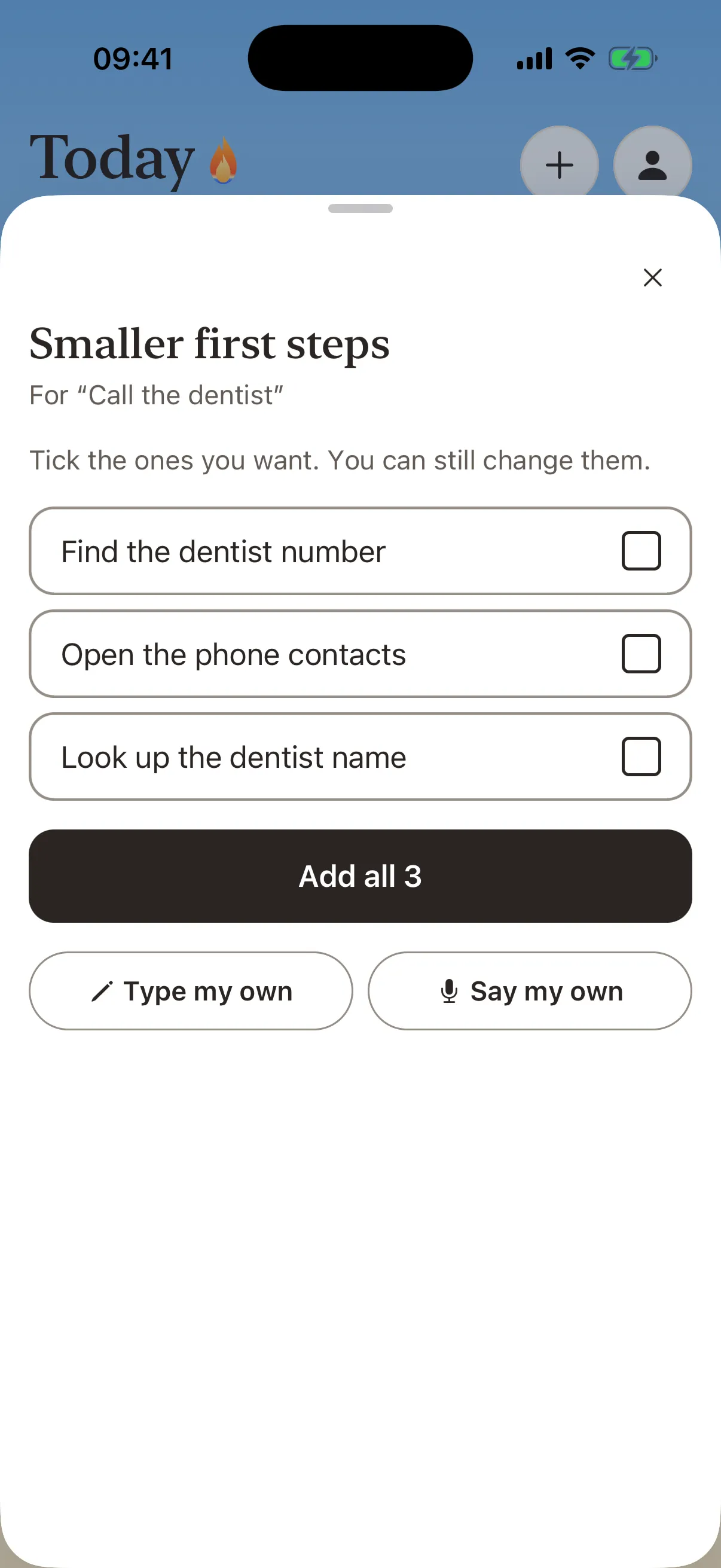
Get three smaller first steps to choose from, or write your own. You decide, every time.
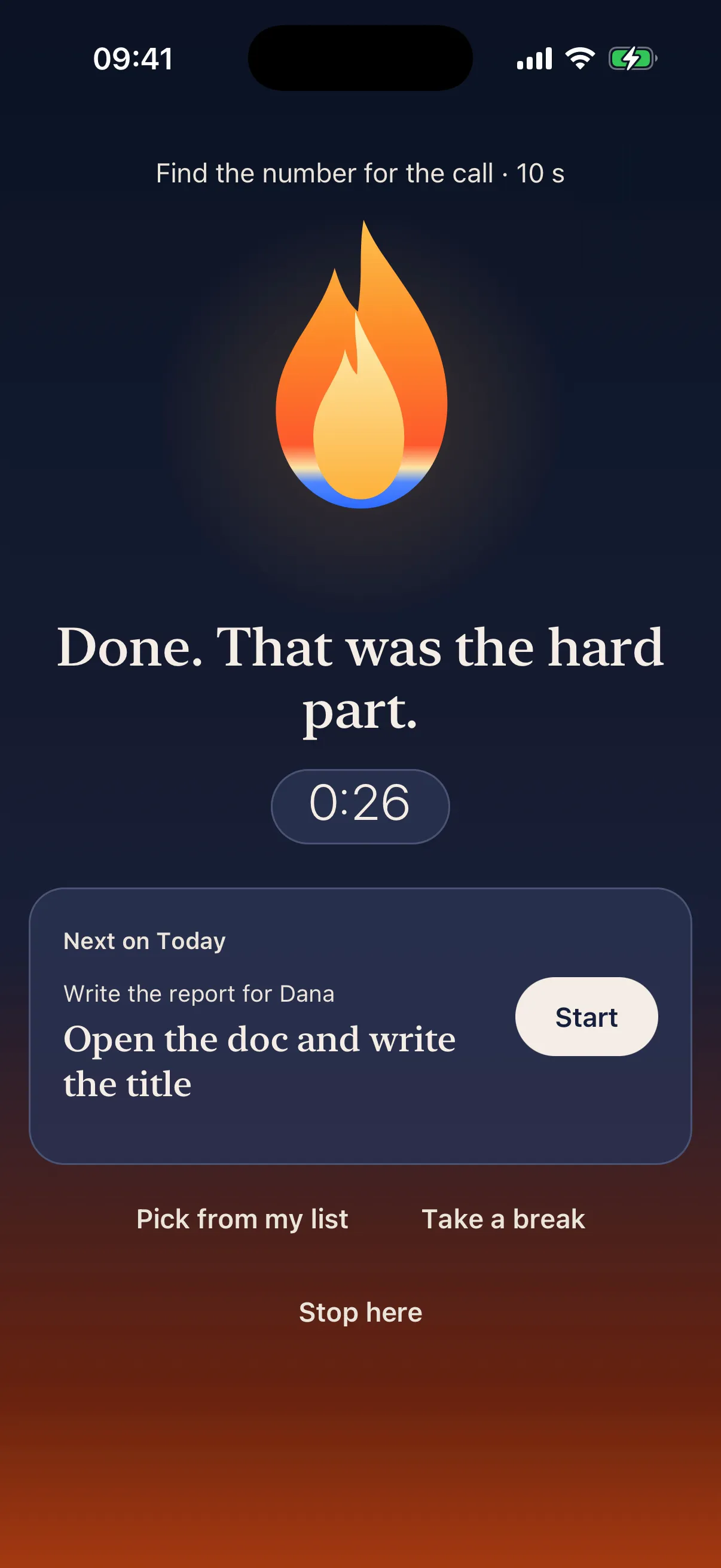
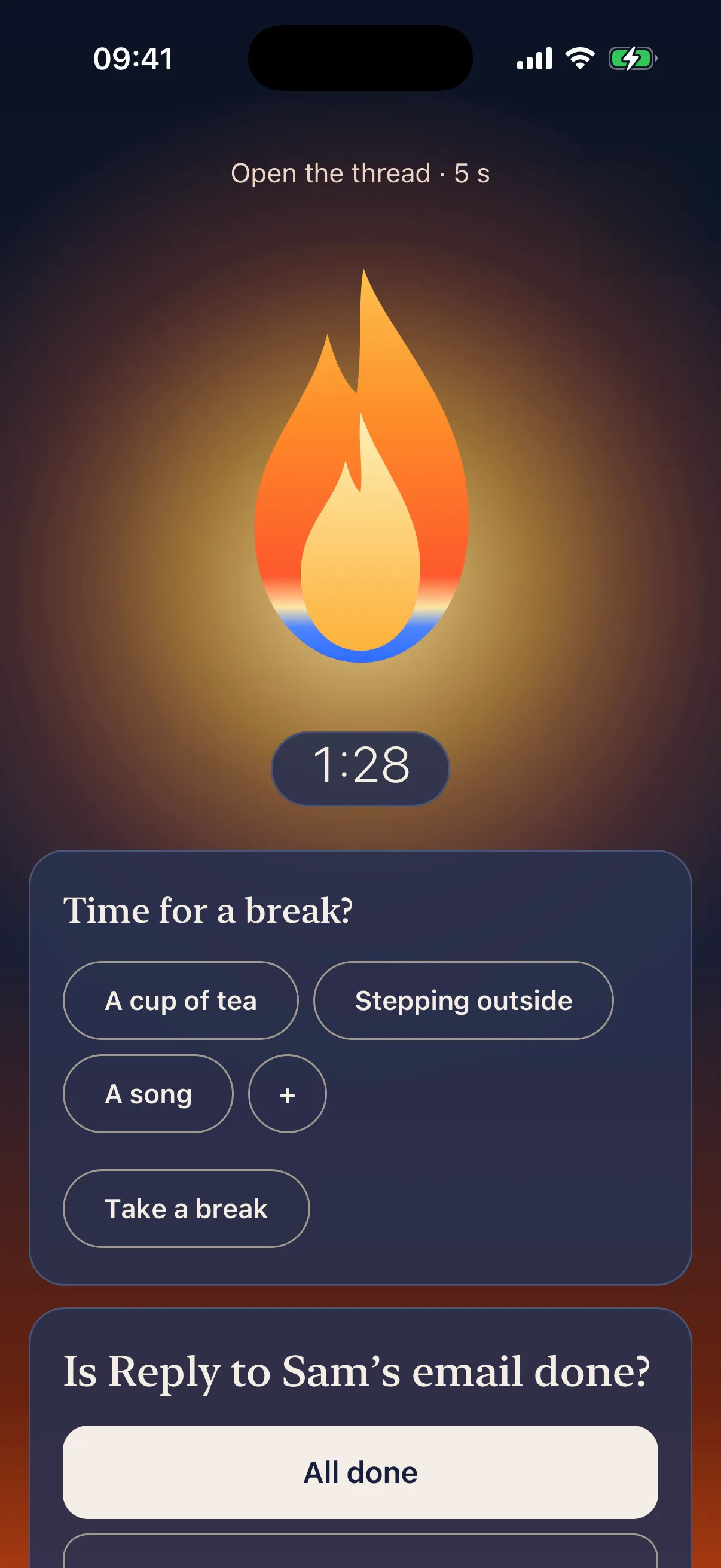
Done leads straight on, to your next step or the next thing on Today. Or stop there, with your next step written down. After three things done, or fifteen minutes, the flame has a bigger moment and offers a break, with a small reward you chose.
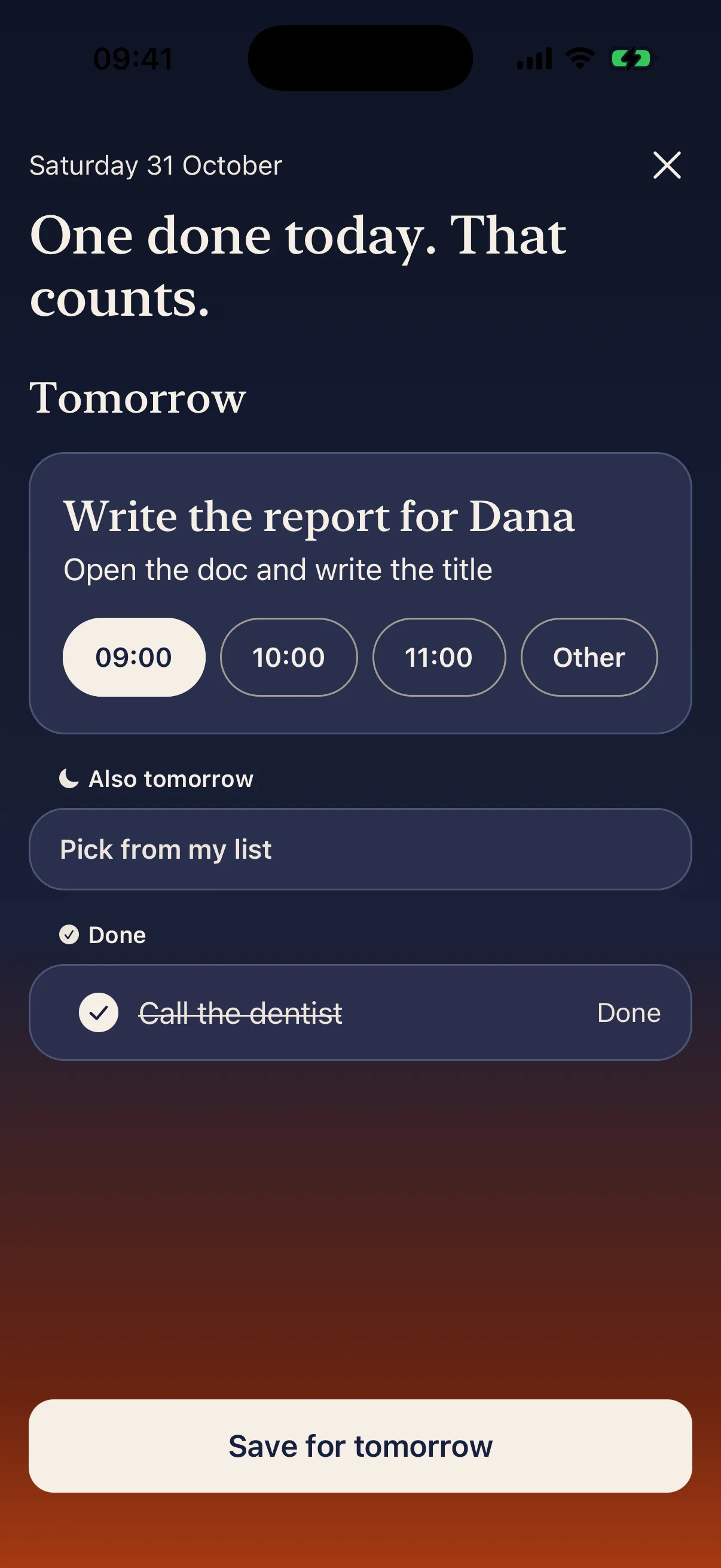
Unfinished things carry over. Closing the day sets tomorrow’s first step, so the morning starts already decided.
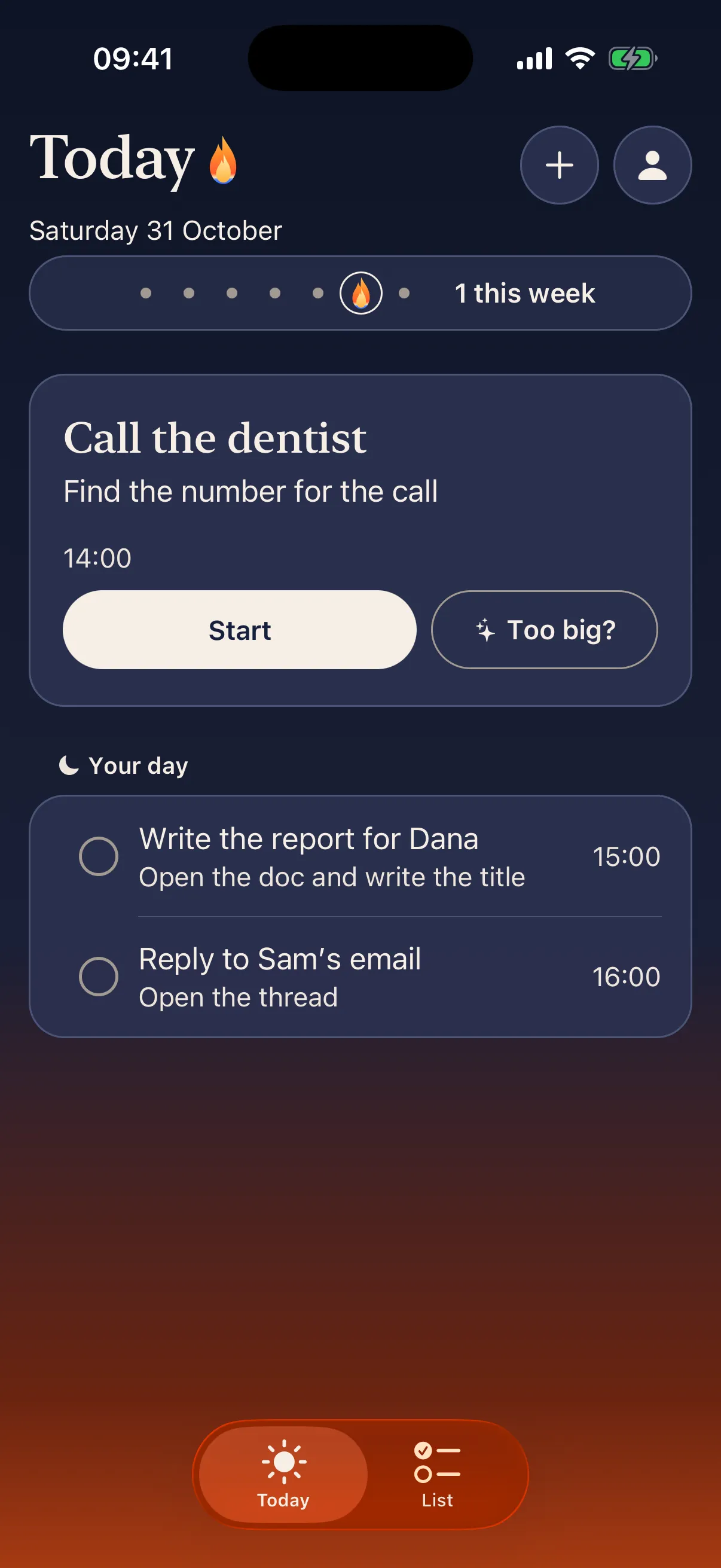
This week’s tally starts fresh every Monday, and your flame grows with the days you start.
Whenever you come back, the app opens on your next first step. No catching up.
There’s no timeline or calendar. Nothing rearranges your day. AI helps in three small ways and never decides for you.
The iPhone beta opens to people who saved a spot, a few at a time. When it’s out, we’ll email you: the App Store first, then Google Play.
Yes, the beta costs nothing. Once it’s out, your list stays free and Pro is a paid subscription.
No. Everything you type or say is kept in your words, and you see every spoken line before it’s saved.
No. There’s no timeline or calendar. Nothing reschedules itself. Ask for smaller steps and you get suggestions. You pick.
It’s built for adults with ADHD who can plan but can’t start. Anyone who puts things off can use it. It’s a to-do list, not a treatment.
The beta is free and iPhone only. Invites go out a few at a time.